Daily PromptsDaily Prompts
ПромптыMCP-серверыСкиллыПолезные материалы
Перейти в студию
Daily PromptsDaily Prompts

Каталог

  • Все промпты
  • Фото
  • Видео
  • Текст
  • MCP-серверы
  • Скиллы

Подборки

  • Инфографика
  • Аватарки
  • ИИ-фотосессия
  • Для товаров
  • Все подборки

Изображения

  • Midjourney
  • GPT Image 2
  • Nano Banana

Видео и текст

  • Runway
  • Kling
  • Veo 3
  • ChatGPT
  • Claude
  • Gemini

Документы

  • Публичная оферта
  • Политика конфиденциальности
  • Nano Banana Trending Prompts by MeiGen.ai · CC BY 4.0
  • awesome-gpt-image-2 by freestylefly · MIT
Daily PromptsDaily Prompts
ПромптыMCP-серверыСкиллыПолезные материалы
Перейти в студию
  1. Главная
  2. /Каталог
  3. /Создание инфографики о гамбургере.
ПромптФотоNano Banana 2 Lite2 сентября 2026 г.

Создание инфографики о гамбургере.

Описание промпта

Этот промпт предназначен для создания профессиональной кулинарной инфографики с изображением гамбургера и его рецептуры. Инструмент подходит для оформления контента в фуд-блогах, разработки меню или наполнения гастрономических журналов. В тексте промпта можно изменять название блюда, перечень основных ингредиентов, количество калорий и ключевые этапы приготовления для адаптации под конкретный рецепт. В результате получается детализированное изображение в современном стиле с центральным объектом, схематичными иконками продуктов и логическими указателями процесса сборки. Весь текстовый контент и подписи на итоговом изображении выводятся на упрощенном китайском языке.

Создание инфографики о гамбургере. — результат промпта
Инфографика
Role Setting: You are an AI prompt engineer proficient in food photography and visual design. Task: Please analyze the food image I uploaded, identify the dish name, main ingredients, cooking logic, and approximate calories. Output: Please strictly follow the following [General Prompt Template] format, fill in the specific content analyzed, and generate a prompt for AI painting. [General Prompt Template] Ultra-clean, modern style recipe infographic. Display the {argument name="dish name" default="[Fill in the analyzed dish name here]"} in a highly attractive finished form, with a slight floating effect, using a perspective or tilted view. Arrange the ingredients, steps, and tips around the main dish in a dynamic, editorial layout, not limited to a top-down view. Core Instruction (Language): All text, labels, and step descriptions in the image must strictly use "Simplified Chinese." 1. Ingredient Area: Pair each ingredient ({argument name="main ingredients list" default="[Fill in the analyzed list of 5-8 main ingredients here]"}) with an icon or mini illustration, and label the quantity in Chinese. Arrange them in groups, lists, or circular flow lines, connected to the main dish via visual lines. 2. Step Area: Use numbered panels (1, 2, 3...), arrows, or lines to display the production process ({argument name="key cooking steps" default="[Fill in the inferred 3-4 key cooking steps here]"}), forming a clear logical flow around the main dish. 3. Supplementary Information (Optional): Label in Chinese: Total calories ([Estimated calories]), preparation time ([Estimated time]), cooking time ([Estimated time]), serving size, spiciness, etc., presented in simple bubbles or badge forms near the main dish. 4. Visual Style: Editorial infographic combined with lifestyle food photography. Food colors are bright and natural, paired with slight shadows, clean vector icons, and modern sans-serif fonts (Chinese HeiTi style). Step panels can use soft gradients or glass-morphism effects. Accent colors are used to highlight key information. 5. Composition Guide: The finished dish serves as the visual core, using perspective or a tilted angle; Ingredients and steps flow dynamically around the main dish; Clear hierarchy: Main dish > Steps > Ingredients > Optional data; Maintain sufficient white space for an overall light and readable feel. 6. Lighting and Background: Soft, natural studio lighting, minimalist texture or gradient background, creating a high-end editorial look. 7. Output Specifications: 1080×1080, ultra-sharp, suitable for social media display, no watermark.
Использовать промпт

Похожие
промпты

Все промпты →
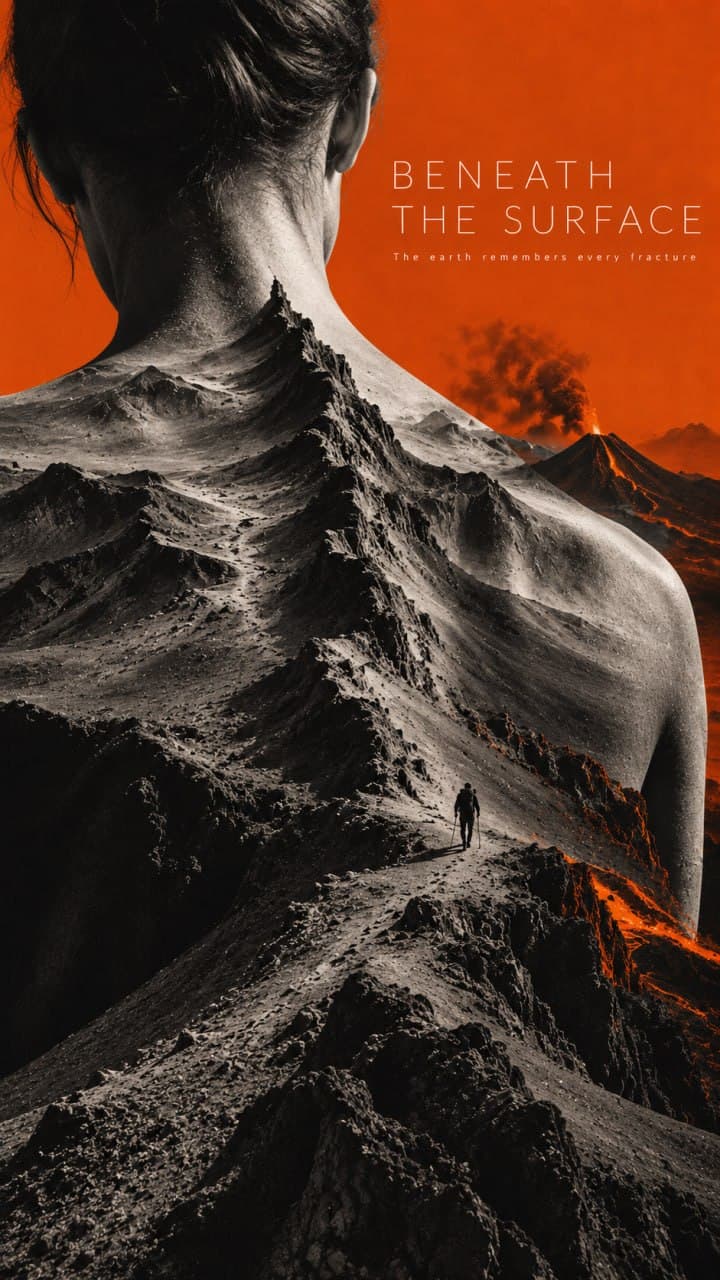
Постер художественного фильма
ИнфографикаФото
Яркая инфографика с крупным текстом
ИнфографикаФото
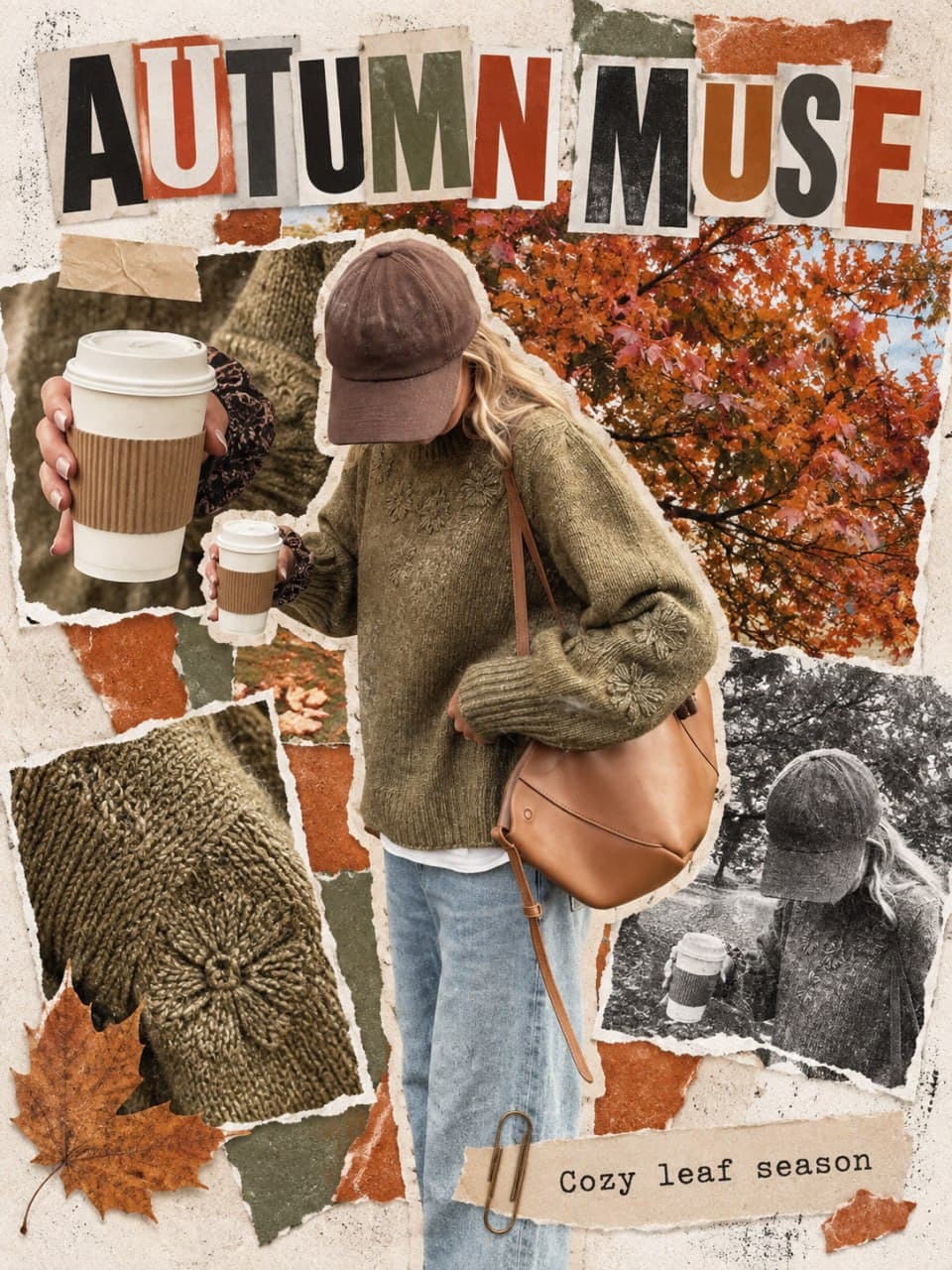
Журнальный коллаж с обрезков
ИнфографикаФото
Рекламная инфографика товара с текстом
ИнфографикаФото
One product. 7 completely different ad  directions.
ИнфографикаФото
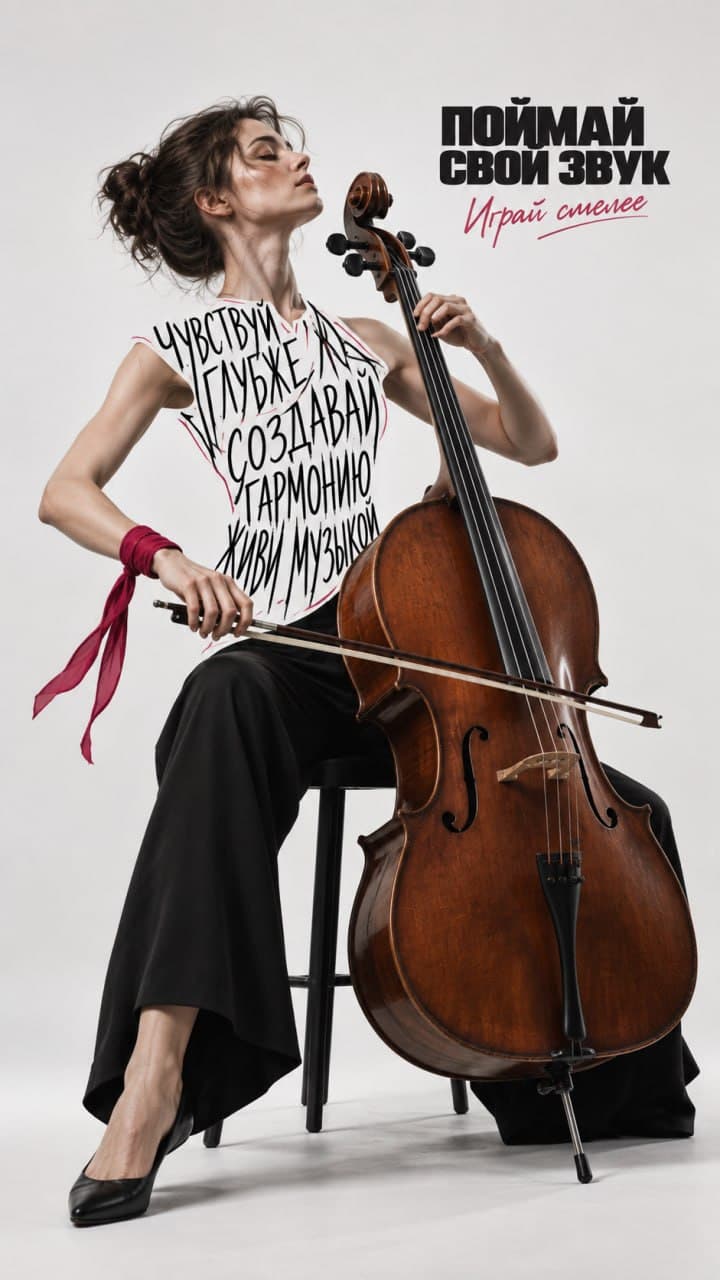
Редакционный музыкальный постер в GPT
ИнфографикаФото
Красочная инфографика продукта
ИнфографикаФото
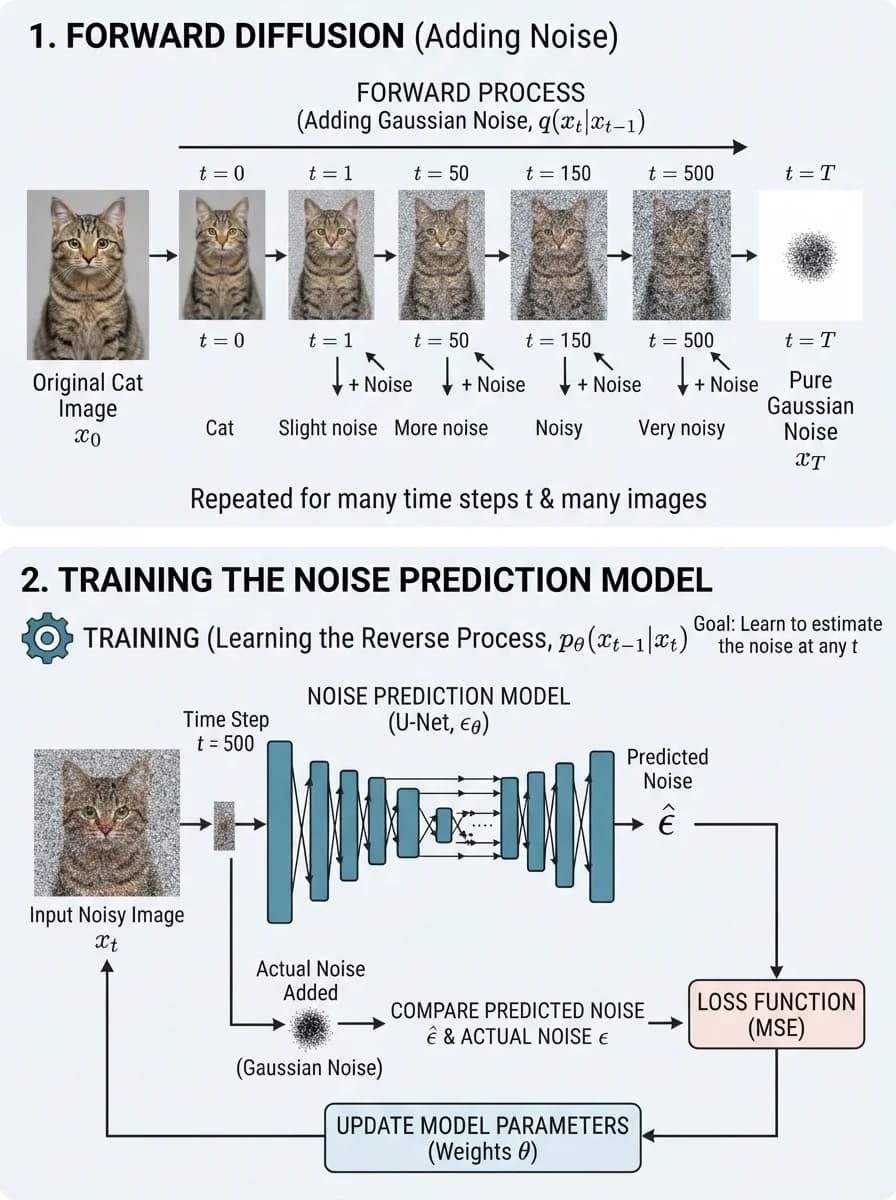
Диаграмма процесса диффузионной модели с изображениями кошки и шума.
ИнфографикаСхемы и процессыФото

Подпишись, чтобы
ничего не пропустить

Бесплатные промпты для нейросетей на русском, новости ИИ и уроки по генерации фото, видео и текста, доступные на всех площадках.

43 000читателей в TelegramПерейти в канал38 000читателей на YouTubeПерейти на канал6 000читателей в ДзенеПерейти в Дзен20 000читателей во ВКонтактеПерейти во ВКонтакте380читателей в MAXПерейти в канал40 000читателей в ThreadsПерейти в Threads
Daily PromptsDaily Prompts

Каталог

  • Все промпты
  • Фото
  • Видео
  • Текст
  • MCP-серверы
  • Скиллы

Подборки

  • Инфографика
  • Аватарки
  • ИИ-фотосессия
  • Для товаров
  • Все подборки

Изображения

  • Midjourney
  • GPT Image 2
  • Nano Banana

Видео и текст

  • Runway
  • Kling
  • Veo 3
  • ChatGPT
  • Claude
  • Gemini

Документы

  • Публичная оферта
  • Политика конфиденциальности
  • Nano Banana Trending Prompts by MeiGen.ai · CC BY 4.0
  • awesome-gpt-image-2 by freestylefly · MIT